STOP GUESSING
WHAT TO POST.
Pick the hook. Add your story. Create your post.
Done in about 15 minutes.
The 9PM Studio gives busy women the starting point they need to stop staring at a blank screen and start publishing.
One payment. No subscription. Built by a busy mom, not a design agency.
Your content doesn't need another three hours.
It needs a starting point.
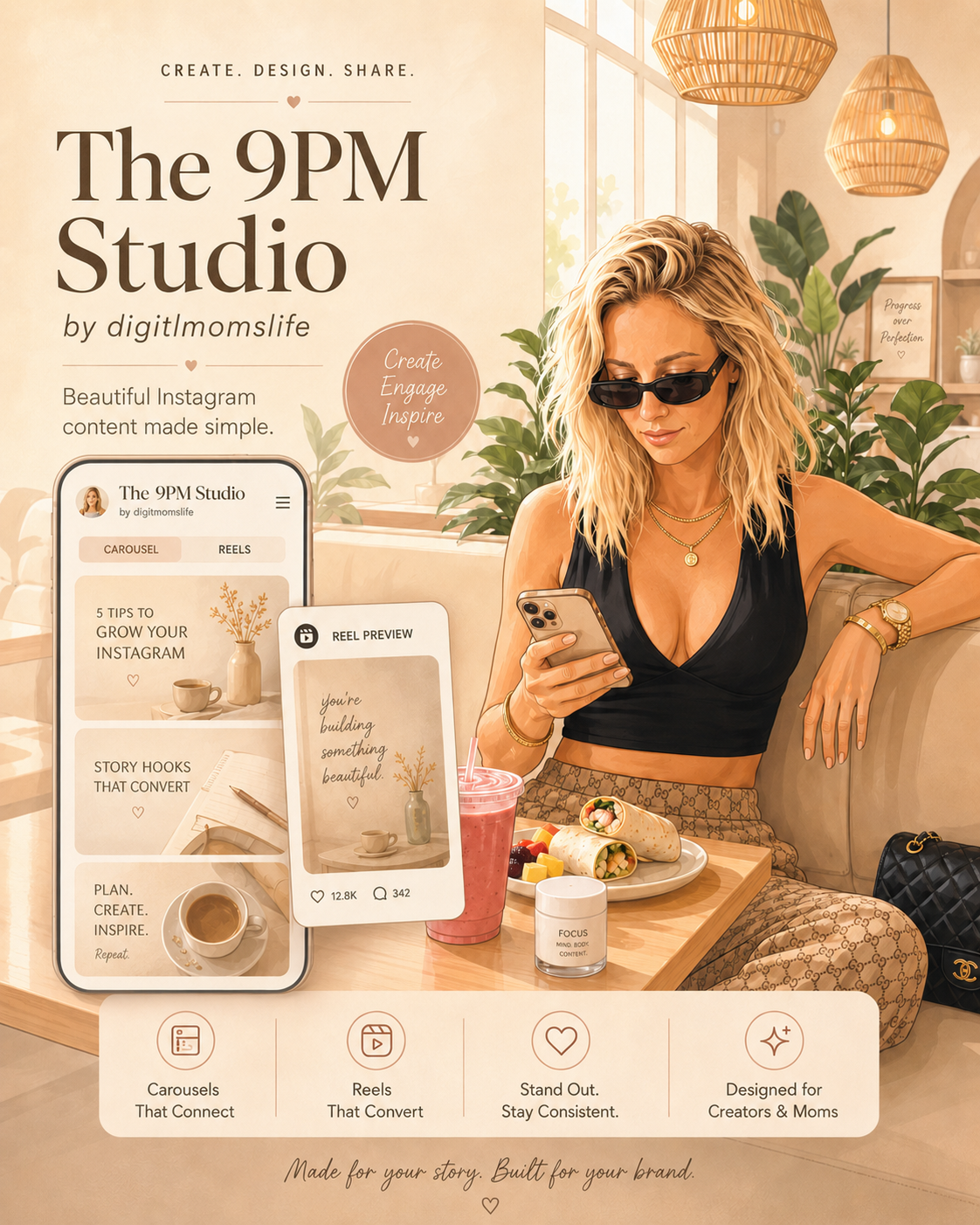
What is The 9PM Studio
A content creation tool that gives busy women a stronger starting point. Choose a curiosity-driven hook, add your own story and voice, design your post, and publish without losing your whole evening.
From “What am I supposed to post tonight?”
to “My content is done in 15 minutes.”
You do not need hundreds more ideas to save for later. You need a clear starting point that helps you move from thinking about content to publishing it.
Stop overthinking the hook
Start with a curiosity-driven hook instead of rewriting the first line, opening more tabs, or second-guessing what to say.
Spend less time designing
Your brand settings and layouts are ready when you are, so designing a post does not have to take over your evening.
Turn saved ideas into published posts
Add your story in your own voice, finish the post, and move on — instead of collecting ideas that never leave your saved folder.
FRESH MONTH.
FRESH STARTING POINTS.
Every month, The 9PM Studio gets a fresh drop of 90 hooks built around the conversations, seasons and content moments happening now.
30
9PM Truth
Uncomfortable truths, mistakes, lessons and realizations.
30
Mom Math
Time, energy, tradeoffs and the hidden cost of doing it all.
30
9:13PM Club
Late-night creator moments, identity and building after bedtime.
Current Drop
September 2026
90 fresh hooks
Your current month plus the previous two months stay inside the active Cover Library. Favorite a hook and keep it in Saved even after the month rotates out.
One payment. Fresh starting points every month.
The 9PM Studio in Action
See exactly how to choose a hook, upload your images, write your script, pick a style, and export your slides in minutes.
My Mission
I built The 9PM Studio as a busy mom who was tired of watching women burn out trying to be heard online.
We are the ones running businesses, raising families, and somehow still expected to "just show up" on social media every single day. But the truth is: showing up is exhausting when you have to start from zero every time.
I wanted a place where the hook gave you a strong starting point, your brand was already set, and the story still sounded like you. A place where one post could be finished in about 15 minutes — without 10 open tabs, a three-hour design spiral, or the pressure to make everything perfect.
Because the real goal is not to keep her tied to her laptop.
It is to give her more time for the people she loves, the experiences she wants and the life she is working so hard to build.
Who This is For
The 9PM Studio was built for busy women and moms building brands, businesses, products, services, or audiences online — the ones who need to publish without spending their night fighting a blank screen.
If you've ever saved 20 hooks "for later," rewritten the same slide four times, or posted nothing because you couldn't decide on the first line — this is for you.
You want content that still feels like you, tools that do not require a design degree, and a clear path from idea to published post so you can get back to your life.
YOUR POST. FOUR SIMPLE STEPS.
Stop starting from zero. Choose the goal, find your starting point, make it yours and publish.
CHOOSE THE JOB
What should today's post do? Get attention, get saved, get shared, start a conversation or support your offer.
PICK YOUR HOOK
Choose a fresh hook, edit one to fit your voice or write your own.
MAKE IT YOURS
Add your images, story and message using the existing Studio creation tools.
CREATE + SHARE
Download your finished content and get back to your evening.
THE GOAL ISN'T MORE CONTENT.
IT'S LESS TIME CREATING IT.
Bonus: Turn it into a Reel (3 minutes)
Choose your tool below — all three are free.
Option A
Canva
Open Canva → create a new 1080×1920 video → upload your PNG slides → set each slide to 2–3 seconds → click Animate for subtle motion → download as MP4 → upload to Instagram or TikTok and add music there → post.
Option B
CapCut
Open CapCut → tap New Project → import your PNG slides → set each clip to 2–3 seconds → add a transition if you want → tap the Music tab and add a trending sound → export as 1080×1920 MP4 → upload directly to TikTok or Instagram as a Reel → post.
Option C
Edits (by Meta)
Open Edits → tap New Project → import your PNG slides → set duration per slide → add music from their library (already licensed for Instagram and Facebook) → export → upload directly to Instagram as a Reel → post.
Bonus — Repurpose to YouTube Shorts
Once your Reel is live on Instagram or TikTok with music, copy the post link → run it through SnapInsta (Instagram) or SnapTik (TikTok) → upload that file directly to YouTube Shorts. Music stays intact. One piece of content. Three platforms. Done.
Everything stays on-brand. Automatically.
The 9PM Studio™ helps you create polished content faster. Save your business name, colors, and fonts once, then keep every carousel, story, and reel frame consistent — on Instagram, TikTok, and YouTube Shorts.
- ✓Carousel (4:5), Reel (9:16) and Story (9:16) — Reel exports also work for TikTok & YouTube Shorts
- ✓600+ cover hooks across 9PM Truth, Mom Math & 9:13PM Club
- ✓A free daily hook, rotating every day
- ✓Live preview updates as you type
- ✓Drag-and-drop image ordering
- ✓Brand colors, fonts, and slide-number badges
- ✓One-click download as a ready-to-post ZIP
- ✓Works on phone, iPad, laptop & desktop — no app needed

Instagram Reels
Turn your uploaded images and captions into a polished Reel that sounds like you. The same 9:16 frames also work for TikTok and YouTube Shorts — no extra design needed.
1. Upload your images
Drag in your JPG or PNG photos — one for each Reel frame.
2. Write your captions
Add your headline and story text; the studio applies your brand style automatically.
3. Export 9:16 frames
Download your Reel frames as a ZIP, then drop them into Canva, CapCut, or Edits.
See your full carousel before you export
Upload once, then preview every slide with numbered overlays — ready to download as a ZIP of PNGs.
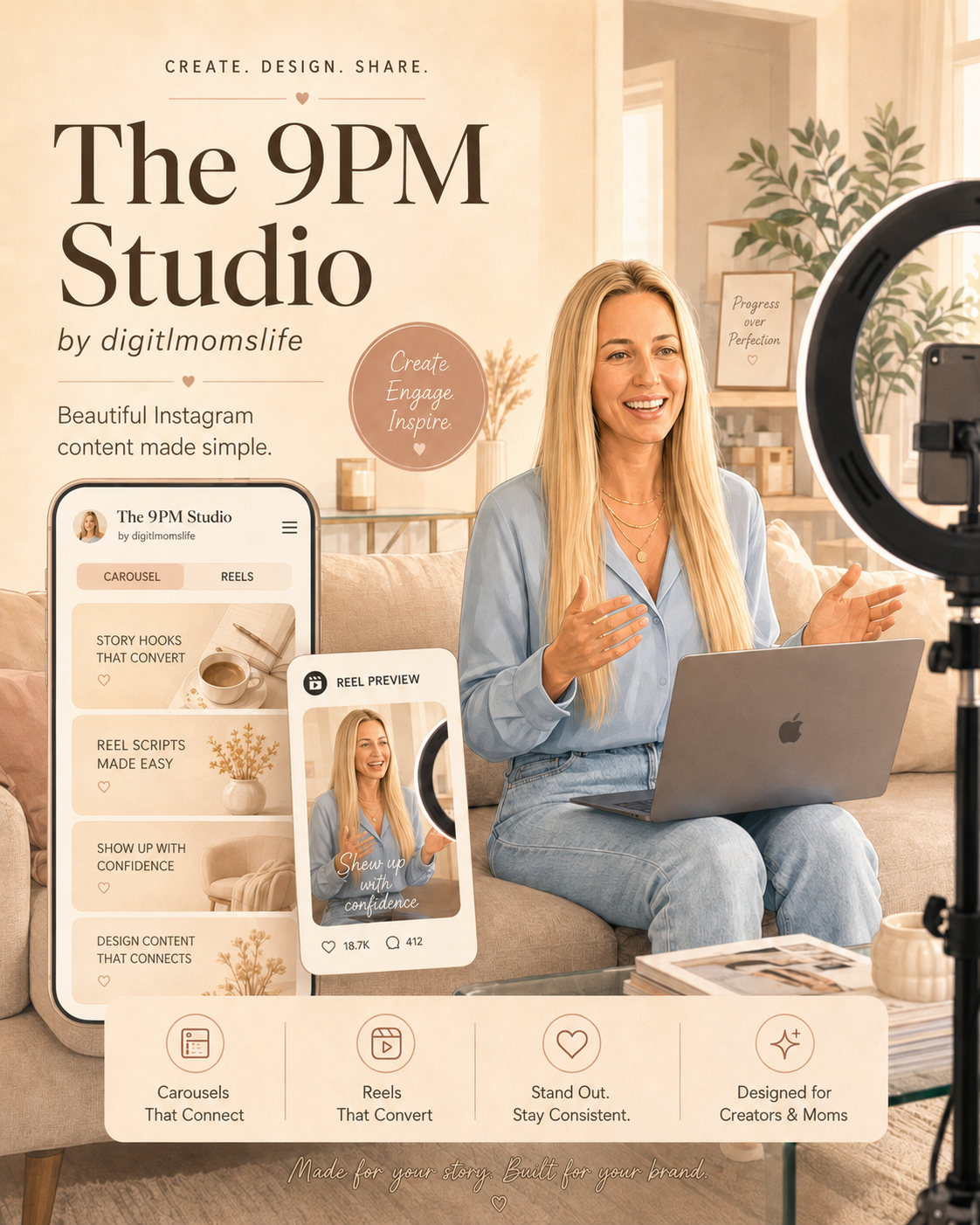
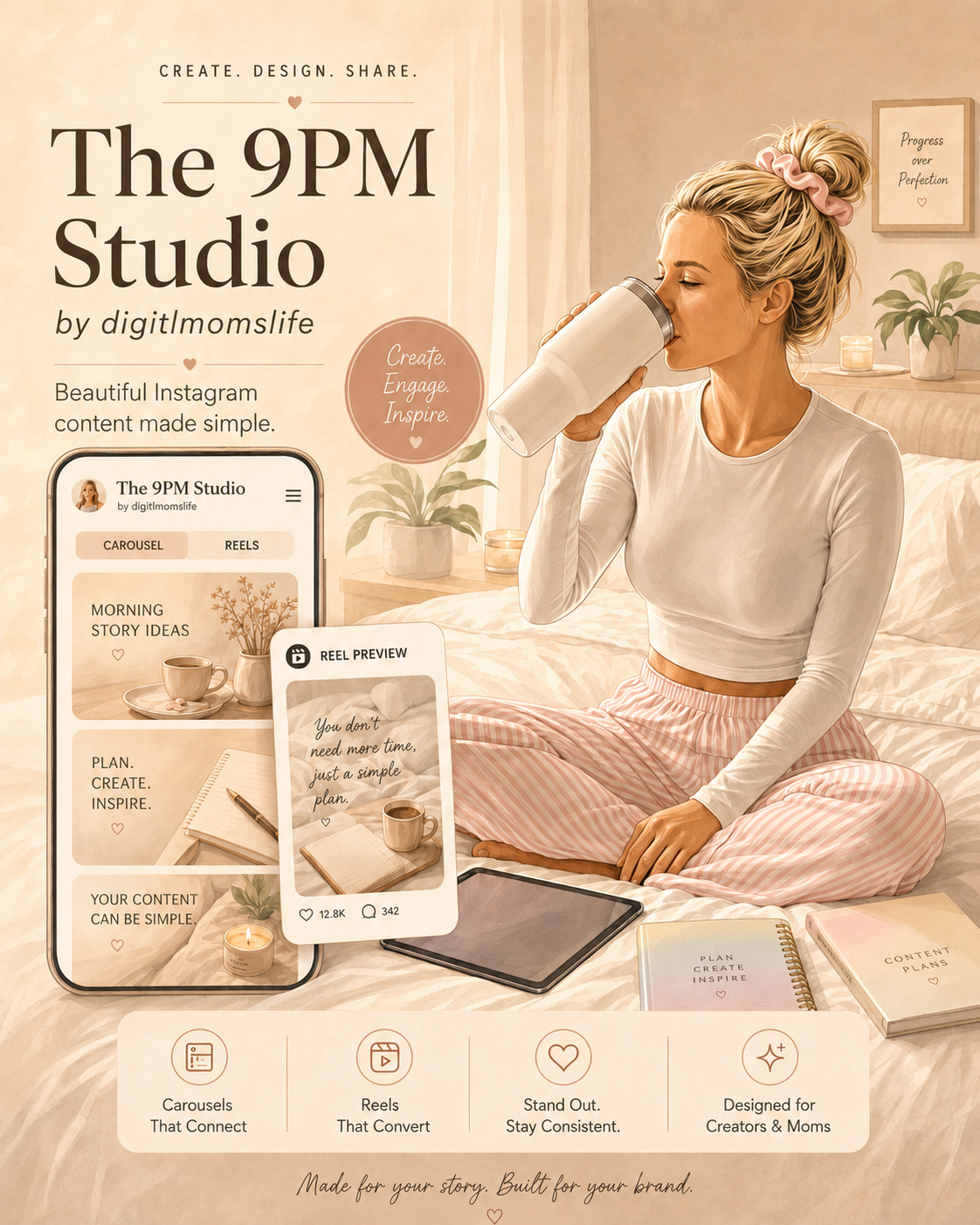
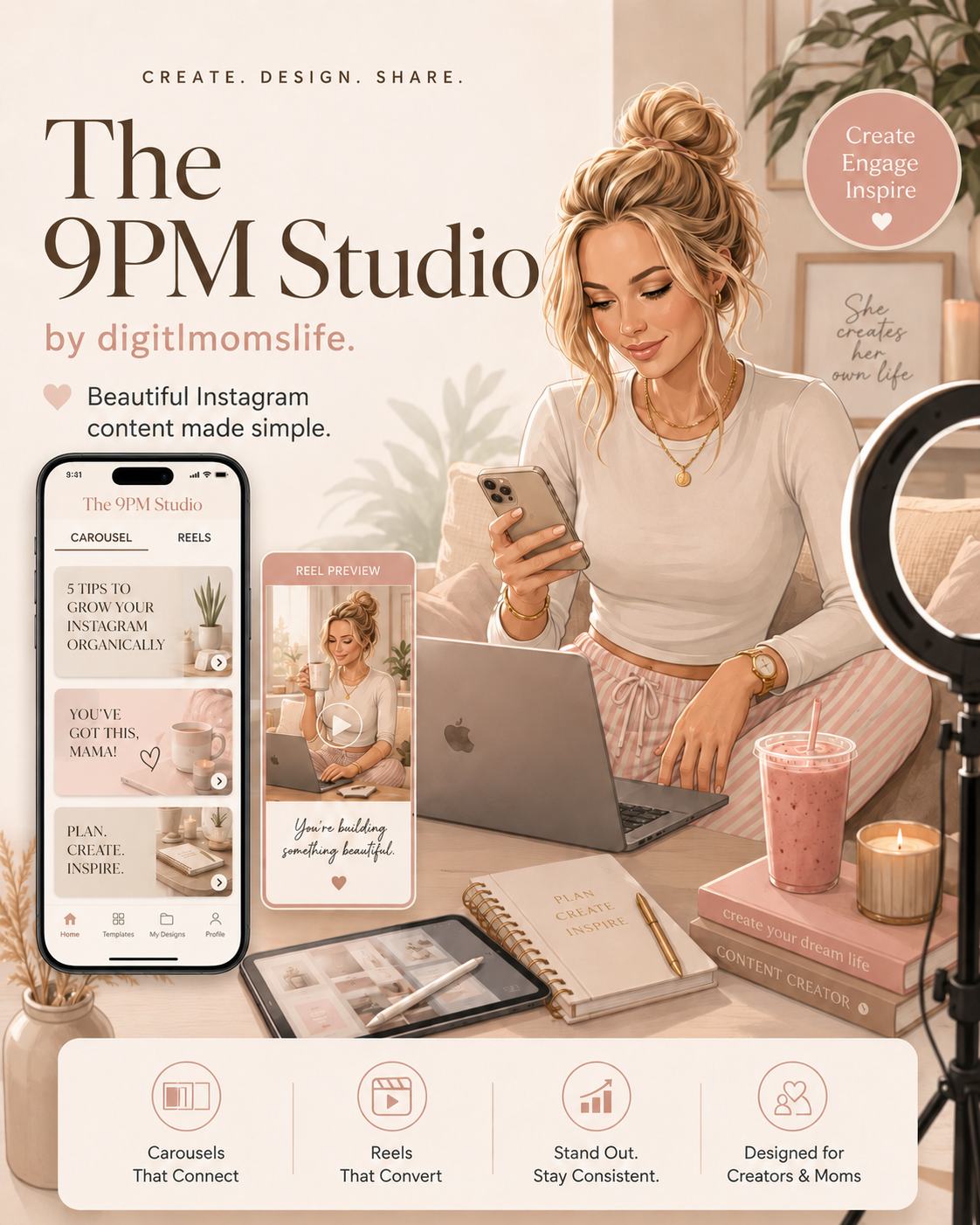
Get your content done for $27 one-time
One payment. No subscription. A faster path from “What should I post?” to published.
- ✓Unlimited carousels, reels & stories (Reel works for TikTok & Shorts too)
- ✓Your brand colors, fonts & name baked in
- ✓Live preview + drag-to-reorder
- ✓All future format updates included
9PM TRUTH Cover Slide Included
Auto-generated. No design needed. No Canva.
Because freedom isn't needing a vacation from posting.
No subscription. No watermarks.
What @digitalmomslife uses for her images & script writing
These are the exact tools Atlas uses every day — pair them with The 9PM Studio™ to write, design, and ship content faster.
Prompt to Sales
Add-onDon't have an AI avatar or image yet?
Prompt to Sales sets up your AI avatar in 15 minutes — so you have a branded image ready to drop into every slide. No face required.
Add Prompt to Sales →
AI Faceless Beginners Blueprint
Add-onWant to sell without showing your face?
AI Faceless Beginners Blueprint shows you how to build a faceless brand from scratch — even if you have zero tech skills and only 15 minutes a night.
See the Blueprint — US$57 →
Sell With Stories
Add-onNot sure what to write in the script box?
Sell With Stories gives you a Script Genie bot built on sales psychology — so you always know exactly what words go on each slide.
Add Sell With Stories →These are affiliate links — you pay the same price and @digitalmomslife earns a small commission.
Frequently asked questions
- What do I get for $27?
- Lifetime access to a studio that gives you a strong starting point, not just empty templates. You get 600 cover hooks across 9PM Truth, Mom Math, 9:13PM Club, plus carousel, Reel, and Story tools that apply your brand colors, fonts, and name automatically. Create unlimited Instagram carousels, story sets, and reel frames; the same 9:16 exports also work for TikTok and YouTube Shorts.
- Is this a subscription?
- No — one-time payment, no watermarks, unlimited exports.
- Do I need design experience or Canva?
- No. You choose a hook, upload your images, write your story, and pick a style — done. The hard part (the first line) is already written for you.
- What can I upload?
- JPG or PNG images — one per slide. Drag and drop them into the upload step, then reorder visually in the grid.
- How does the text placement work?
- Type your headline and copy for each slide. The app automatically applies your chosen brand colors, font pairing, and layout preset on top of every image — no manual positioning required.
- What are the cover slide categories?
- 9PM Truth, Mom Math, and 9:13PM Club — hook categories designed to give you a clear first line while leaving room for your own story, experience, and voice.
- Can I edit the cover text myself?
- The cover slide text is preset — you choose which hook to use, but the wording itself stays as-is. All the other slides in your carousel are fully written by you in the Story Script step, so you control that text completely.
- How many slides can I create?
- 10+ slides per carousel — upload your images, write your script, and the studio builds out the full set.
- Which export formats are supported?
- Instagram Carousel — 1080×1080 square slides
- Story set — 1080×1920 vertical slides
- Reel frames (9:16) — 1080×1920 vertical slides that also work as static slideshow posts on TikTok and YouTube Shorts
All exports download as a single ZIP of ready-to-post PNGs.
- Can I download on my phone?
- Yes. The 9PM Studio works in your mobile browser — no app required. On iPhone or Android, tap the download button and choose Save to Files or Save to Downloads. iPad, laptop, and desktop browsers download the ZIP normally.
- Do I need video editing software for TikTok or Shorts?
- No. The 9:16 PNGs are designed to be posted as a photo slideshow — TikTok and YouTube Shorts both support multi-image posts natively.
- Can I get a refund?
- No. This is a digital product — all sales are final.
- What if I lose my access link?
- Use the “Already purchased? Email me a sign-in link” button on the landing page to get back in instantly.
- Do I have to re-enter my brand info every time?
- No. Set your brand colors, fonts, and name once in Brand Settings — it's saved and applied automatically to every future carousel.
I ALMOST DIDN'T POST.
THE 9PM STUDIONew slide every day at midnight.
Next slide in: 00h 00m 00s
Want all 60? Get instant access — US$27.00Every strong house starts before the walls go up.
Before I built The 9PM Studio™, I needed to learn how digital marketing actually worked. That foundation was Digital Wealth Academy — the course that taught me everything: how to sell, how to show up online, and how to build something real starting from zero.
Then I added the walls: Prompt to Sales — so I had a branded AI avatar and images to work with.
Then the roof: Sell With Stories — so I knew how to write words that actually convert.
Then the finishes: Carousels to Sale — 40 prompts that turned blank slides into content that sells.
And now it all lives in one place. The 9PM Studio™.
If you're starting from scratch and want to understand how all of this works before you build — this is where I'd send you first.
→ Start with the foundation: Digital Wealth Academy
Created by @digitalmomslife